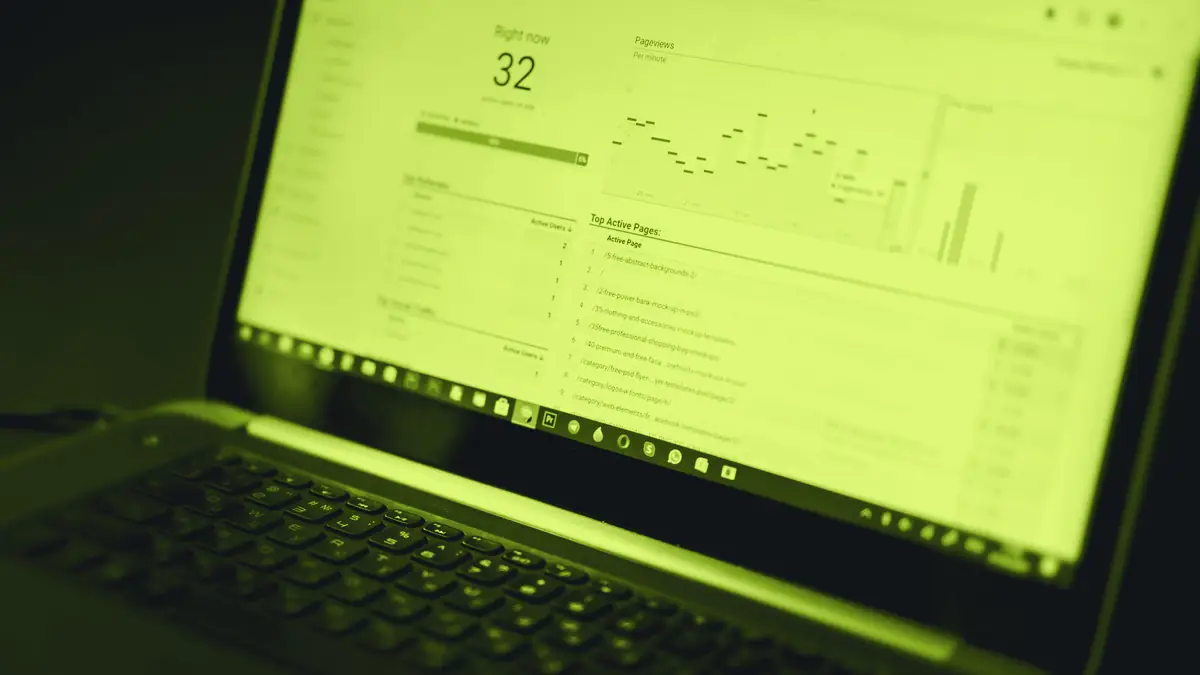
AI assistants now send real visitors to business websites. For one clothing manufacturer we work with, ChatGPT alone has sent 7.9K sessions. Most businesses have no idea how much of this traffic they get, because it is scattered across several reports.
Here is how we set up GA4 so AI traffic is visible in one place, and how to read it.
Key takeaways
- GA4's default AI Assistant channel can miss most AI visits: 1.6K versus 7.9K ChatGPT sessions for one manufacturer.
- Build a custom AI assistants channel with a regex on session source and place it above Referral.
- Add landing page as a dimension to see which pages AI tools send people to.
Start with what GA4 already shows
Open Reports, Acquisition, Traffic acquisition and look at the session primary channel group. Recent GA4 properties show an AI Assistant channel that groups some of this traffic automatically.
It is a useful starting point, but in our experience it misses a large share of AI visits. For the manufacturer above, the AI Assistant channel showed 1.6K sessions over the period, while sessions with ChatGPT as the source totaled 7.9K. The difference is mostly visits tagged in ways the default rules do not catch.
Why the gap exists: ChatGPT often adds utm_source=chatgpt.com to the links it shows. Depending on how medium is set, GA4 can file those visits under referral or unassigned instead of the AI channel.
Step 1: Check session source directly
In the same report, switch the primary dimension to Session source and search for these domains:
- chatgpt.com and chat.openai.com
- perplexity.ai
- gemini.google.com
- copilot.microsoft.com
- claude.ai
This gives you the real total, whatever channel GA4 assigned.
Book a free 15 minute growth audit and we will show you where your leads are leaking.
Step 2: Build your own AI channel
Go to Admin, Data display, Channel groups, copy the default group and add a new channel called AI assistants. Set the condition to session source matches regex:
chatgpt\.com|chat\.openai\.com|perplexity\.ai|gemini\.google\.com|copilot\.microsoft\.com|claude\.aiMove it above Referral and Unassigned in the order, so AI visits are claimed first. Save it, and you can now choose this channel group in any acquisition report.
Step 3: See which pages AI sends people to
Add a secondary dimension of Landing page to your AI assistants channel. This is the most useful view of all: it shows which pages AI tools are citing. In our accounts these are usually guides that answer one question clearly, such as fabric guides for manufacturers or enrollment guides for insurance brokers.
Once you know which pages get cited, you know what kind of content to write more of.
Step 4: Measure leads, not just visits
Traffic from AI assistants tends to be small and high intent. Check the key event rate for the channel against organic search. If it converts better, that is a strong case for investing in AI search optimization.
Step 5: Add Search Console and a prompt log
Google added generative AI performance reports to Search Console in June 2026, which show how your site appears in Google's AI features. Use them alongside GA4.
Finally, keep a simple monthly log: ask ChatGPT, Gemini and Perplexity the ten questions your buyers ask most, and note whether you are mentioned. It takes twenty minutes and it is the only way to see visibility that never turns into a click.
Frequently asked questions
Does GA4 track ChatGPT traffic?
Partly. Recent GA4 properties have an AI Assistant channel, but it misses visits filed as referral or unassigned. Check Session source for chatgpt.com directly to see the real total.
How do I create an AI traffic channel in GA4?
In Admin, Data display, Channel groups, copy the default group and add a channel where session source matches a regex such as chatgpt\.com|perplexity\.ai|gemini\.google\.com|copilot\.microsoft\.com|claude\.ai. Order it above Referral and Unassigned.
Which AI tools send traffic to websites?
The main ones are ChatGPT, Perplexity, Gemini, Microsoft Copilot and Claude, arriving from chatgpt.com, perplexity.ai, gemini.google.com, copilot.microsoft.com and claude.ai.
Want this done for you? See our AI search optimization and ChatGPT Ads management pages, or book a free growth audit.